Instructions to Registering for Azure for Students
From August 15, 2025, students will have access to the Azure Dev Tools for Teaching software catalog with the Azure for Students offer. General information and the detailed product scope can be found on the Microsoft Azure Dev Tools for Teaching page.
Registration process
The registration process for Azure for Students is explained below:
1. Open the Microsoft website Azure for Students and start the registration process.
Login with an existing account
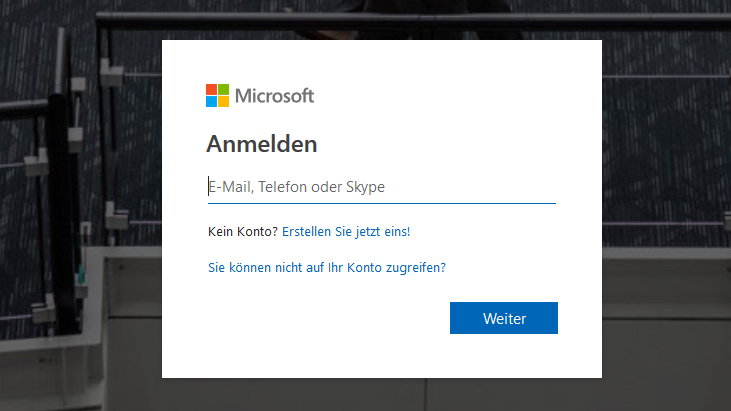
2a. Log in with your Microsoft access data in the login form provided.
Login with a new account
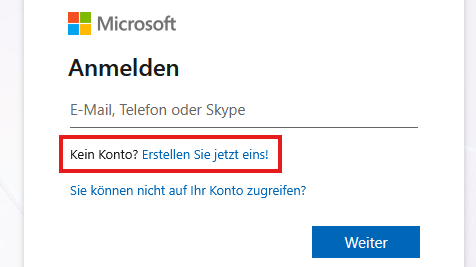
2b. Select the option to create a Microsoft account. Then follow the instructions for registration in the corresponding form.
Proof of academic degree
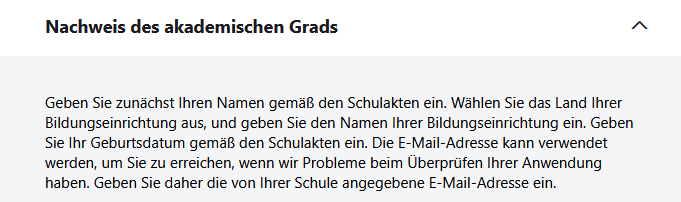
3 After logging in or registering, you will be asked to provide proof of your academic degree. Enter the required information including your university e-mail address.
4 Depending on the type of verification, you may still need to open the link that was sent to your university email address (SOGo) for confirmation. This is not necessary if you have verified your student status directly or previously via Microsoft.
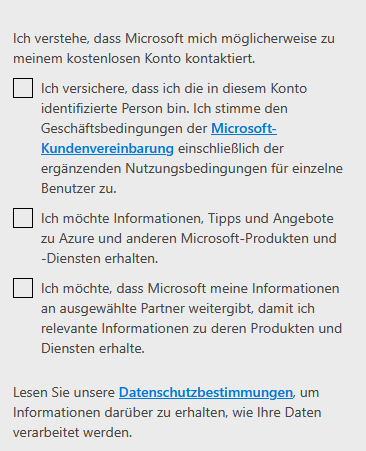
5. your academic status should now have been successfully verified. Now set up your profile for "Azure for Students". To activate the registration button, you must at least agree to the terms and conditions. Then click on "Register".
6 You will now be taken to the online portal with the quick start overview. You have the option of choosing between different software and learning programs. Once you have found the product you want, click on the corresponding area and then on Download. To be on the safe side, make a note of the product key beforehand.